Support center
Setup steps, manuals and answers for the whole range. Partners can also go straight to their sales contact.
By model
Manuals and datasheets in English, sent by email. Other languages come with private label orders.
| Model | Type | App | Manual | Datasheet |
|---|---|---|---|---|
| HC828 | Flagship · Dual lens | Ucon | Request PDF | Request PDF |
| HC809 | Best seller | Ucon | Request PDF | Request PDF |
| HC810 | Low-light color | Ucon | Request PDF | Request PDF |
| HC808 | Triple PIR | Ucon | Request PDF | Request PDF |
| MS-319 | Compact | UBox | Request PDF | Request PDF |
| MS-517C | Compact PTZ | UBox | Request PDF | Request PDF |
| MS-527 | 12x hybrid zoom | UBox | Request PDF | Request PDF |
| MS-537 | Dual-lens PTZ | UBox | Request PDF | Request PDF |
| MS-538 | Floodlight | UBox | Request PDF | Request PDF |
| MS-637 | 20x zoom | UBox | Request PDF | Request PDF |
| MS-537 AOV | AOV 24/7 | UBox Pro | Request PDF | Request PDF |
| MS-637 AOV | 36x zoom · AOV | UBox Pro | Request PDF | Request PDF |
| RS1 | Bird feeder camera | UBox | Request PDF | Request PDF |
| PC05 | Pet tracking camera | UBox Pro | Request PDF | Request PDF |
Two apps, one range
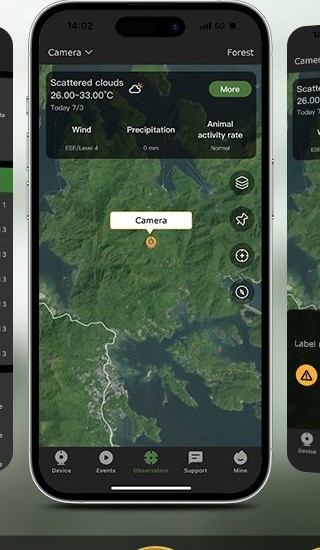
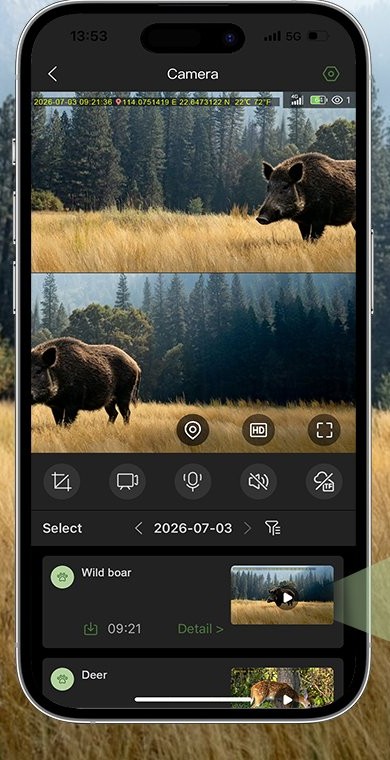
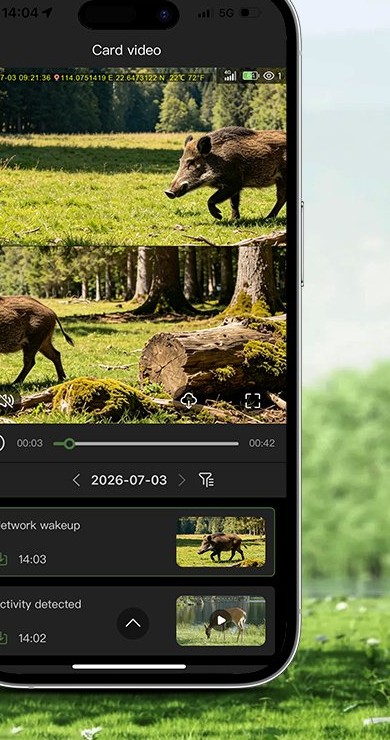
Trail cameras made from June 2026 use Ucon: live view, photo and clip history, GPS map, two-way audio and optional AI animal tags. The camo solar cameras use UBox or UBox Pro. Search the app name in the App Store or Google Play.
Earlier trail cameras, and private label orders on request, use UBox Pro.
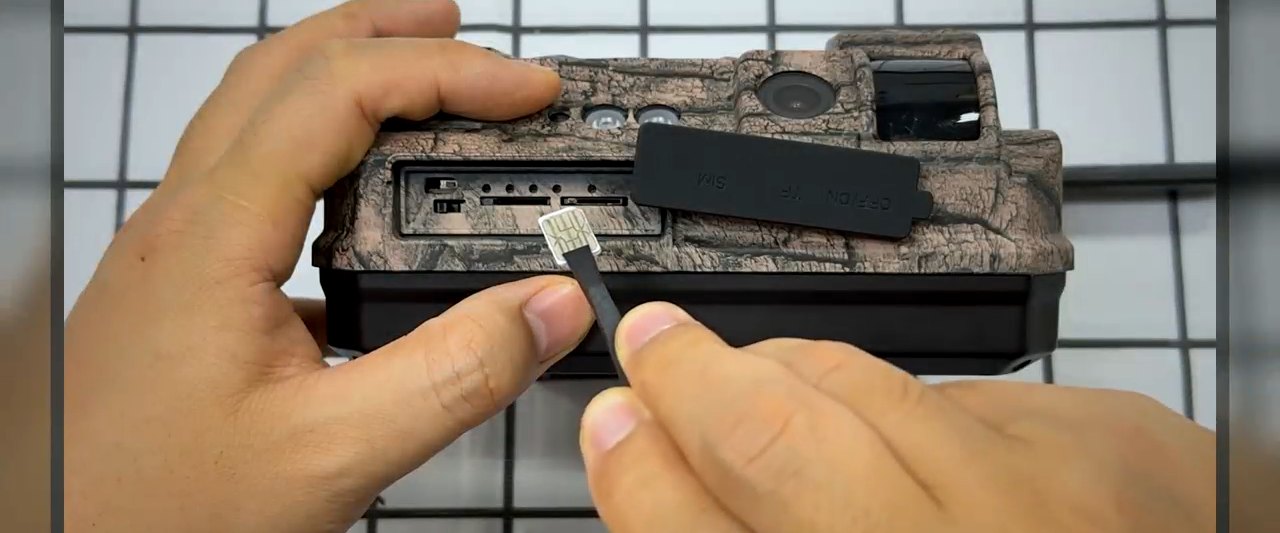
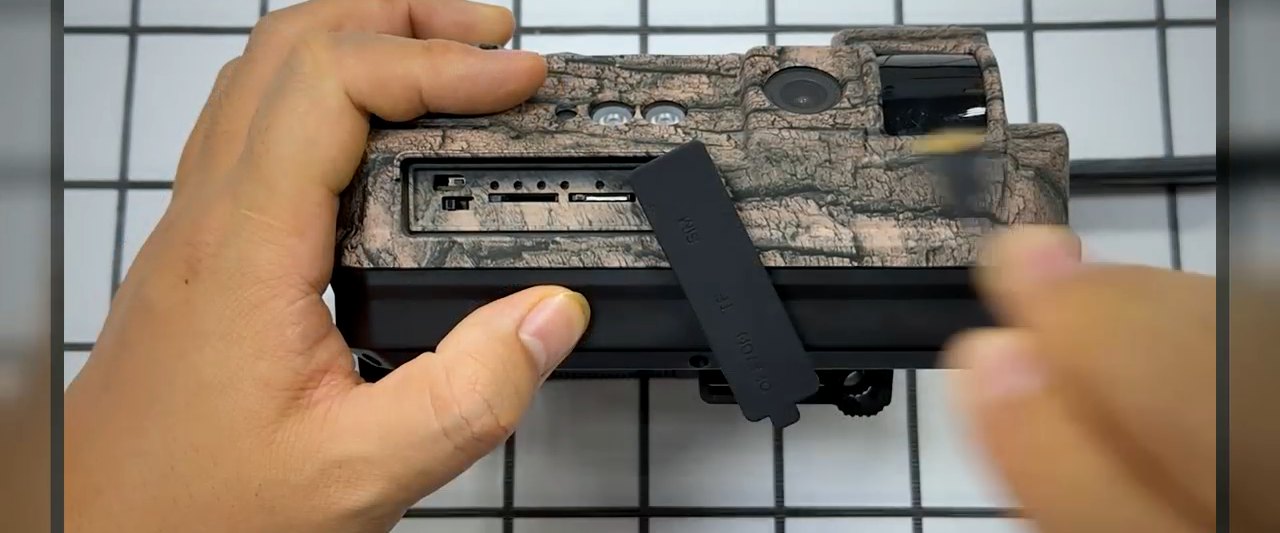
First photo in three steps
Full setup guide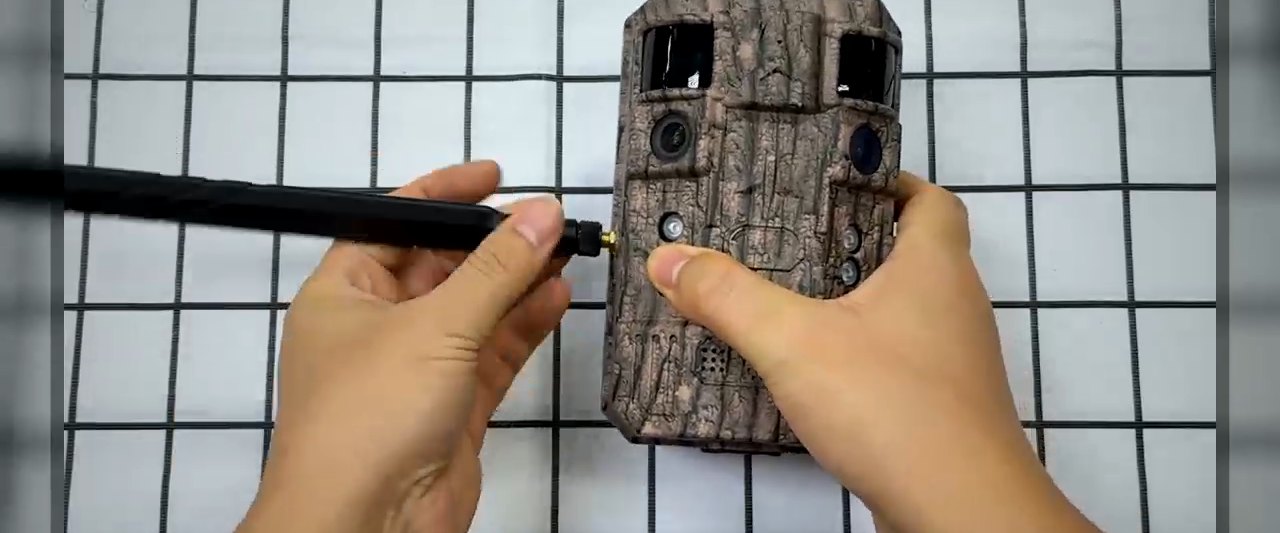
Common questions
The answers our support team gives most often.
Photos are not arriving in the app
Check that the SIM has an active data plan and the signal icon shows at least one bar. Photos wait on the card and upload once the connection is back.
The camera shows no 4G signal
Make sure the version matches your market's LTE bands, the antenna is tight and the SIM is not PIN-locked. Moving the camera a few meters often finds a stronger signal.
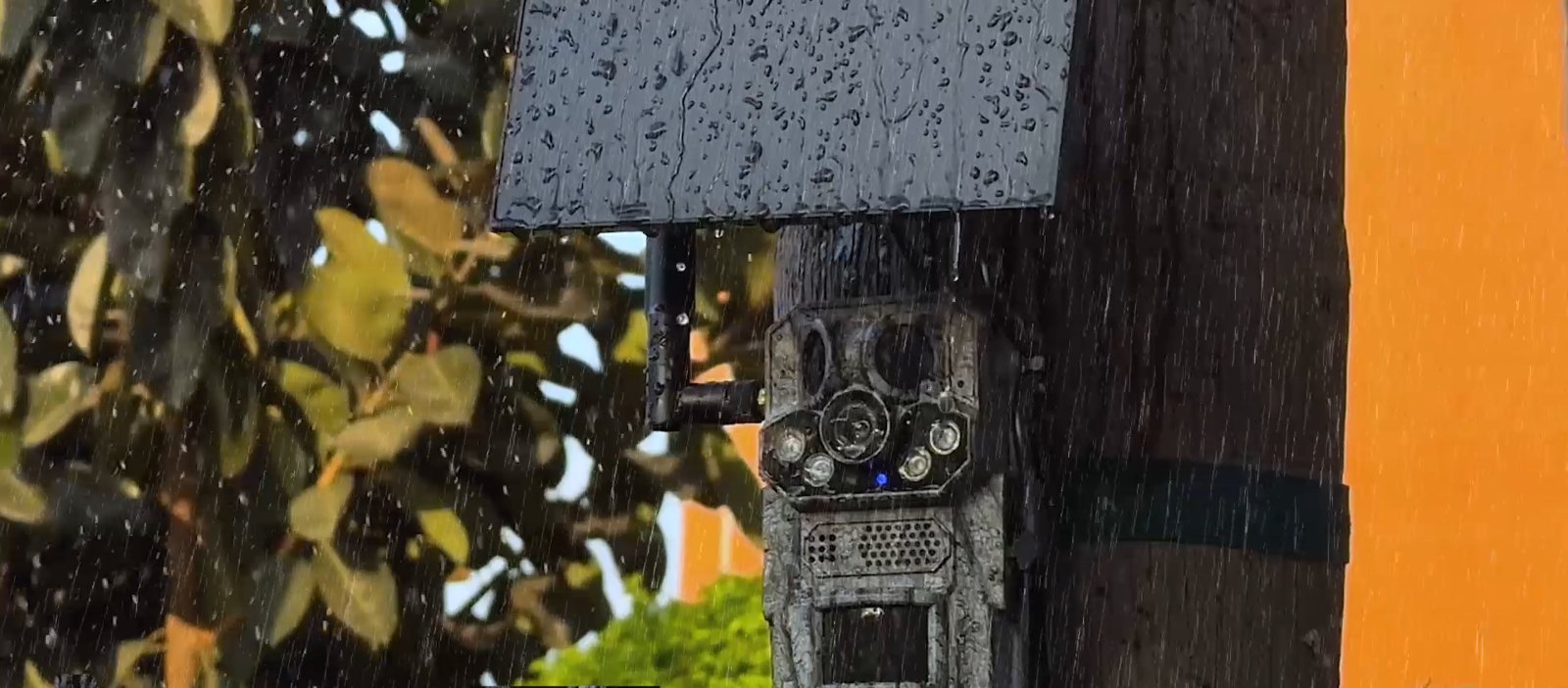
The solar panel is not charging
Face the panel south in the northern hemisphere, clear of leaves and snow, and check the cable is fully seated.
How do I reset the camera?
Press the reset button, then add the camera again in the app. Settings return to factory values; photos on the card stay.
Can I use it without a cloud subscription?
Yes. Photos reach the app over the SIM and are stored on the microSD card. AI animal recognition is free for the first year on HC808, HC809 and HC828; after that it comes with the cloud storage subscription.
Which SIM should I use?
The SIM card that ships with the camera is tested on it and gives the most stable connection. Any local nano SIM also works; there is no GoTrailCam data plan.
How do I update the firmware?
The app shows a prompt when a new version is available. Keep the battery above half and do not power off during the update.
Two-year warranty
Every camera is covered for two years. To start a claim, send the model, serial number and a short video of the fault.
Start a claimDownloads
Catalog, certificates and packing data, sent by email.